
markdown-pdf-export
io.github.matinfo-tech/markdown-pdf-export
Export Markdown files to PDF with Chromium: highlighting, KaTeX math, TOC, headers/footers.
Documentation
Markdown PDF Export




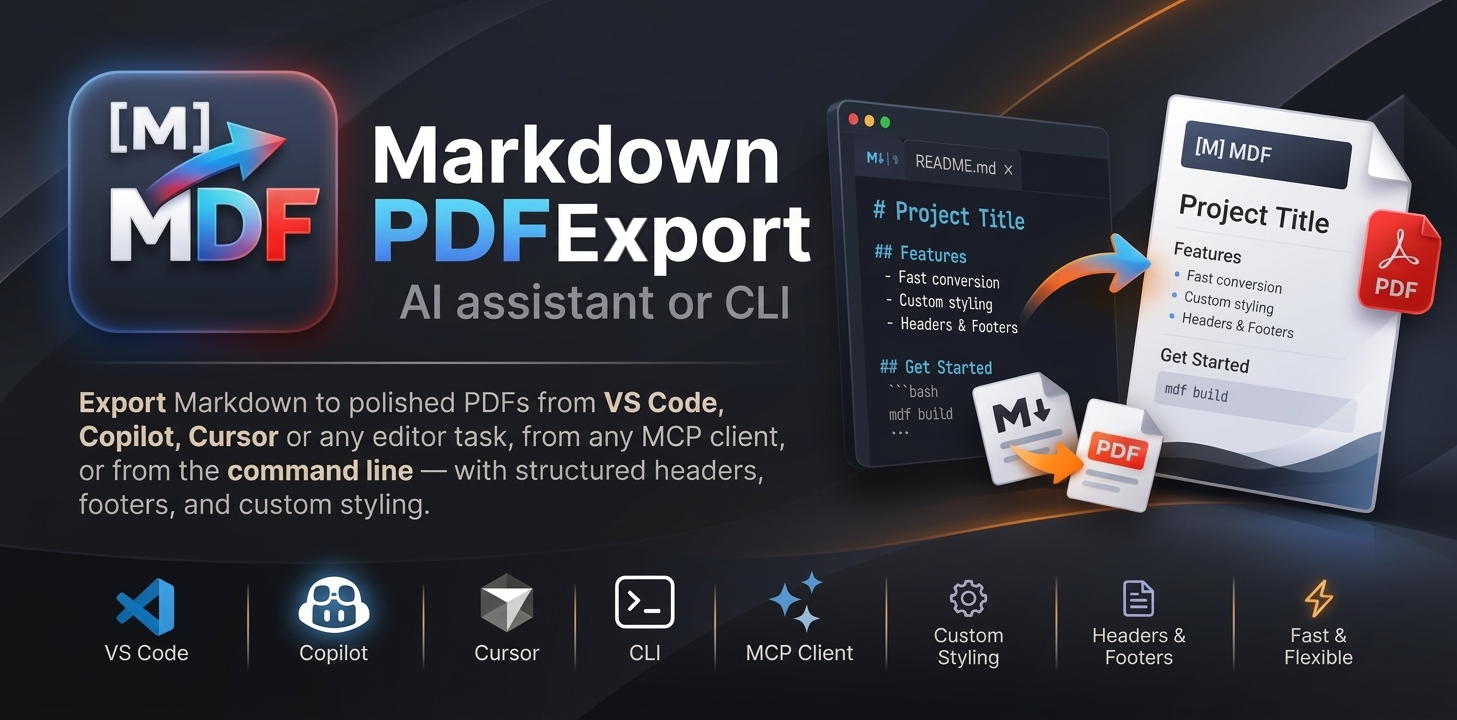
Turn Markdown files into clean PDFs from VS Code, Zed, Cursor, Claude or any AI assistant, or from the command line.
Full documentation: https://markdown-pdf.matinfo.tech/
Get started
You need:
- Node.js 20 or newer (it comes with
npx). - Google Chrome or Microsoft Edge. No Chromium browser? Run
npx -y markdown-pdf-export install-browseronce (about 200 MB).
Then run this line in a terminal:
npx -y markdown-pdf-export studio
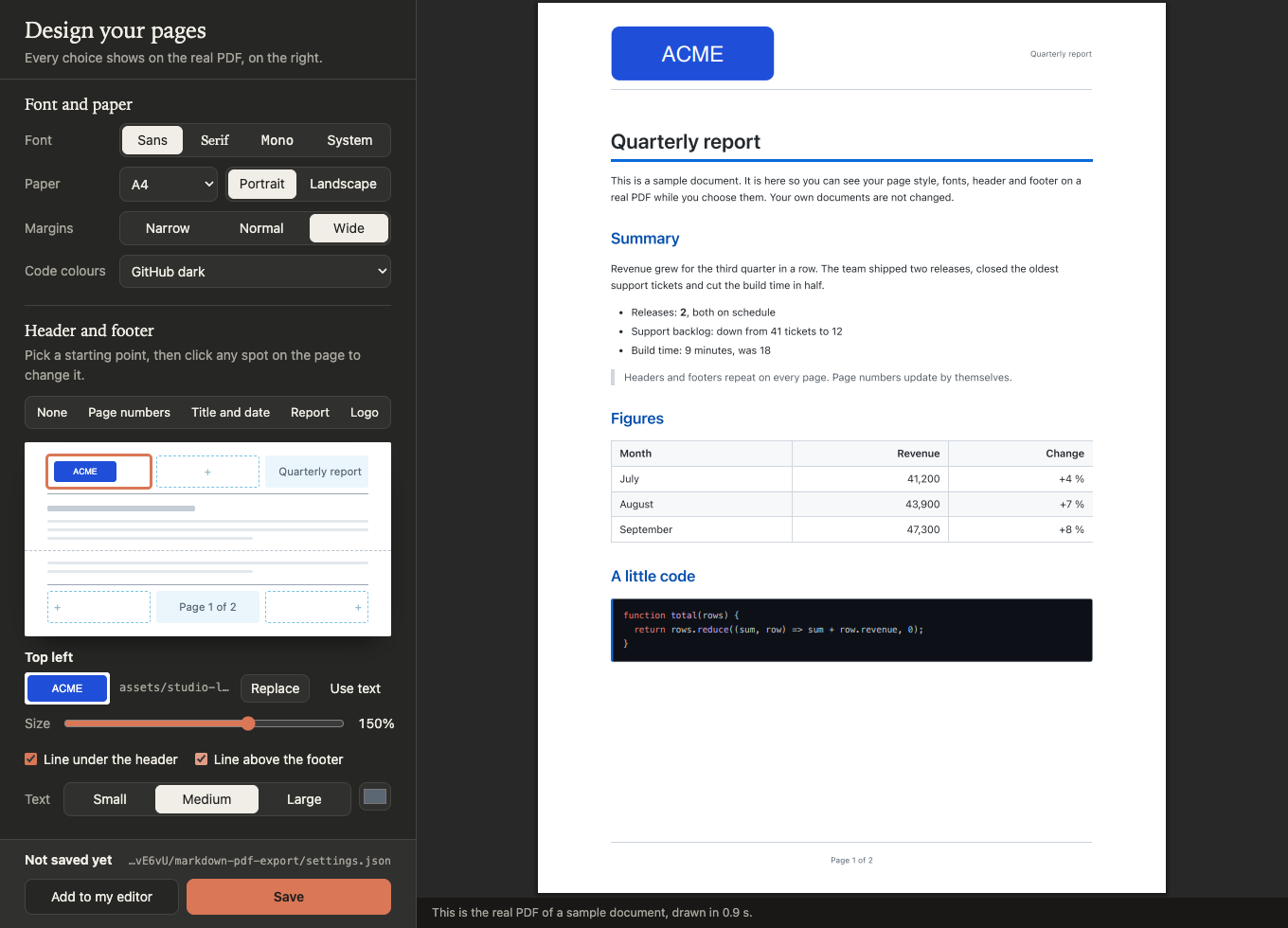
Studio opens in your browser. Pick a page style, fonts, paper size, header and footer, and watch the real PDF update as you go. Click Save, then Add to my editor, and you are ready to export.
There is nothing to install first: npx downloads the package on first use and reuses it after.
Prefer the terminal? Run npx -y markdown-pdf-export with no arguments for a small menu.
More: Get started · Studio · Design online, no install
Export a file
| Where | How |
|---|---|
| Your editor | Run the task Markdown: Export to PDF on the open file |
| AI assistant | Ask: "Export this file to PDF" |
| Terminal | npx -y markdown-pdf-export report.md |
The PDF is saved next to the Markdown file. To add the task or the assistant tool by hand, run
npx -y markdown-pdf-export setup, or see
Editors.
What you get
- Five page styles: Clean, Report, Academic, Compact and Technical.
- Headers and footers with the title, page numbers, the date and your logo.
- Coloured code blocks, with a choice of colour themes.
- Maths with KaTeX:
$inline$and$$display$$. - A contents list from a
[[toc]]marker, with links to each heading. - Settings for one document in its front matter.
- One settings file used by every editor, the assistant and the terminal.
Go further
- Advanced topics: a one-page map of everything below.
- Settings file: where it lives and how files are combined.
- Per-document settings: change one document with front matter.
- Header and footer: zones, logos, page numbers and dates.
- Styling: your own CSS, fonts and code colours.
- Content: maths, contents list, images and page breaks.
- Command line: every command and option.
- Assistant tools: the MCP server and its two tools.
- Browser: which browser is used and how to pick another.
- Recipes: ready-made setups for common jobs.
- Settings reference: every setting.
- Placeholders reference:
{page},{title},{date}and more.
Help
Check the browser and your settings in one step:
npx -y markdown-pdf-export doctor
You can also ask the assistant: "Run doctor_markdown_pdf". For common problems, see Help.
Contributing
See CONTRIBUTING.md for development setup, tests and how the project is built.
Licence
MIT. See LICENSE.
markdown-pdf-exportnpm install markdown-pdf-export